
LuciQA / Features
Features
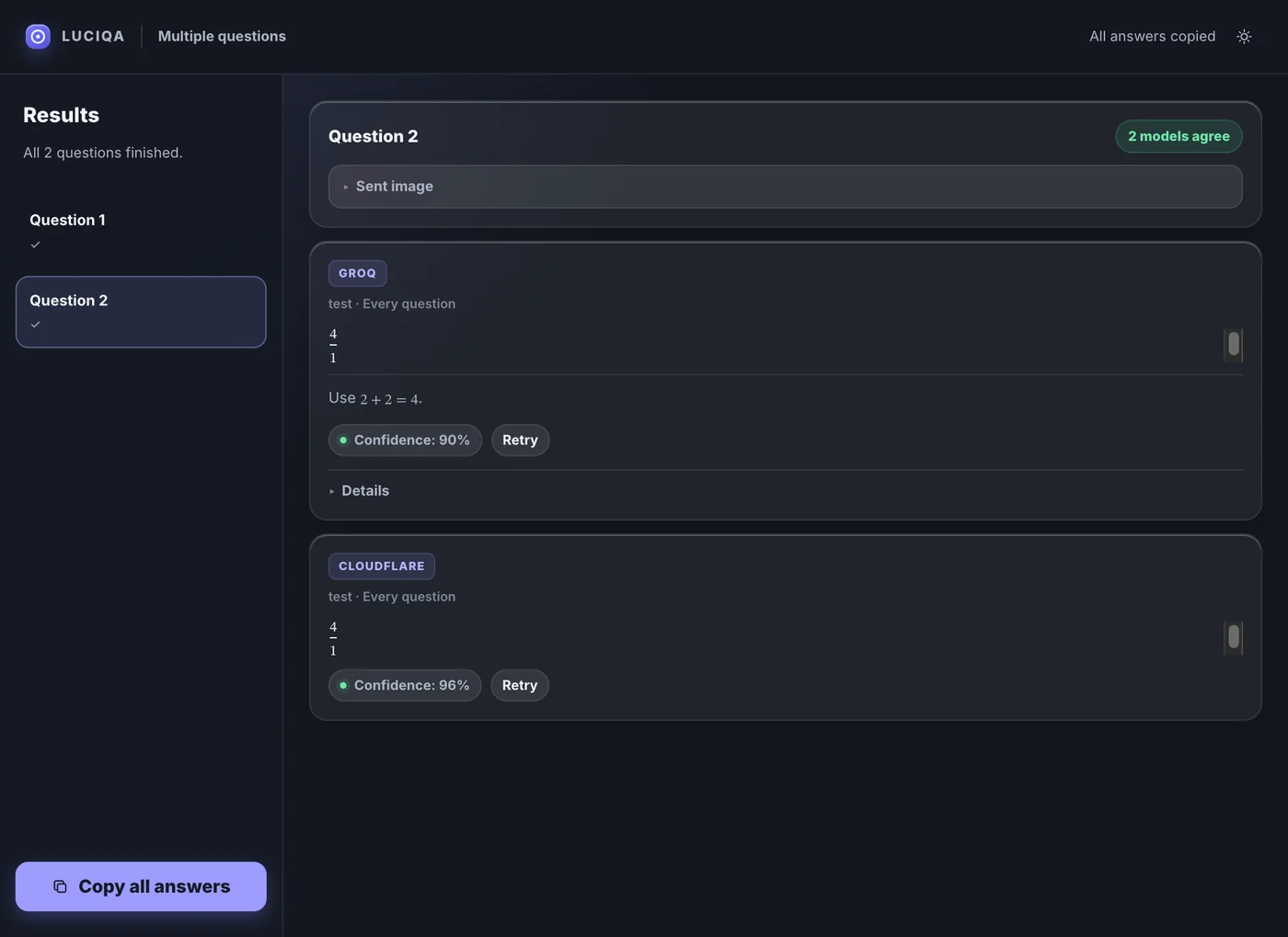
Screen capture, local OCR, image questions, and provider comparison in LuciQA.
Workflow preview · illustration, not an app screenshot
Ask from text (OCR)
For text questions, OCR runs locally. The selected text is then sent to your configured provider. Image mode sends the selected image.
Follow the rules of your school, employer, website, exam, and provider. AI answers can be wrong.
Read the guide →Ask from text (OCR)
For text questions, OCR runs locally. The selected text is then sent to your configured provider. Image mode sends the selected image.
Multi · Pro
One provider answers in Free. Pro can ask several providers and call additional ones when answers need checking.
Compare answers
One provider answers in Free. Pro can ask several providers and call additional ones when answers need checking.
BYOK
Provider charges and quotas are separate from LuciQA.
Follow the rules of your school, employer, website, exam, and provider. AI answers can be wrong.
Your keys are saved in local app settings. Secure OS credential storage is required to use them.
macOS · Windows · Linux
Find LuciQA installers and system requirements for macOS, Windows, and Linux.
Multi · Pro